


Products & orders
Your catalogue and orders in one admin.
Add products, define their options and track stock. See exactly what each customer chose in their order.
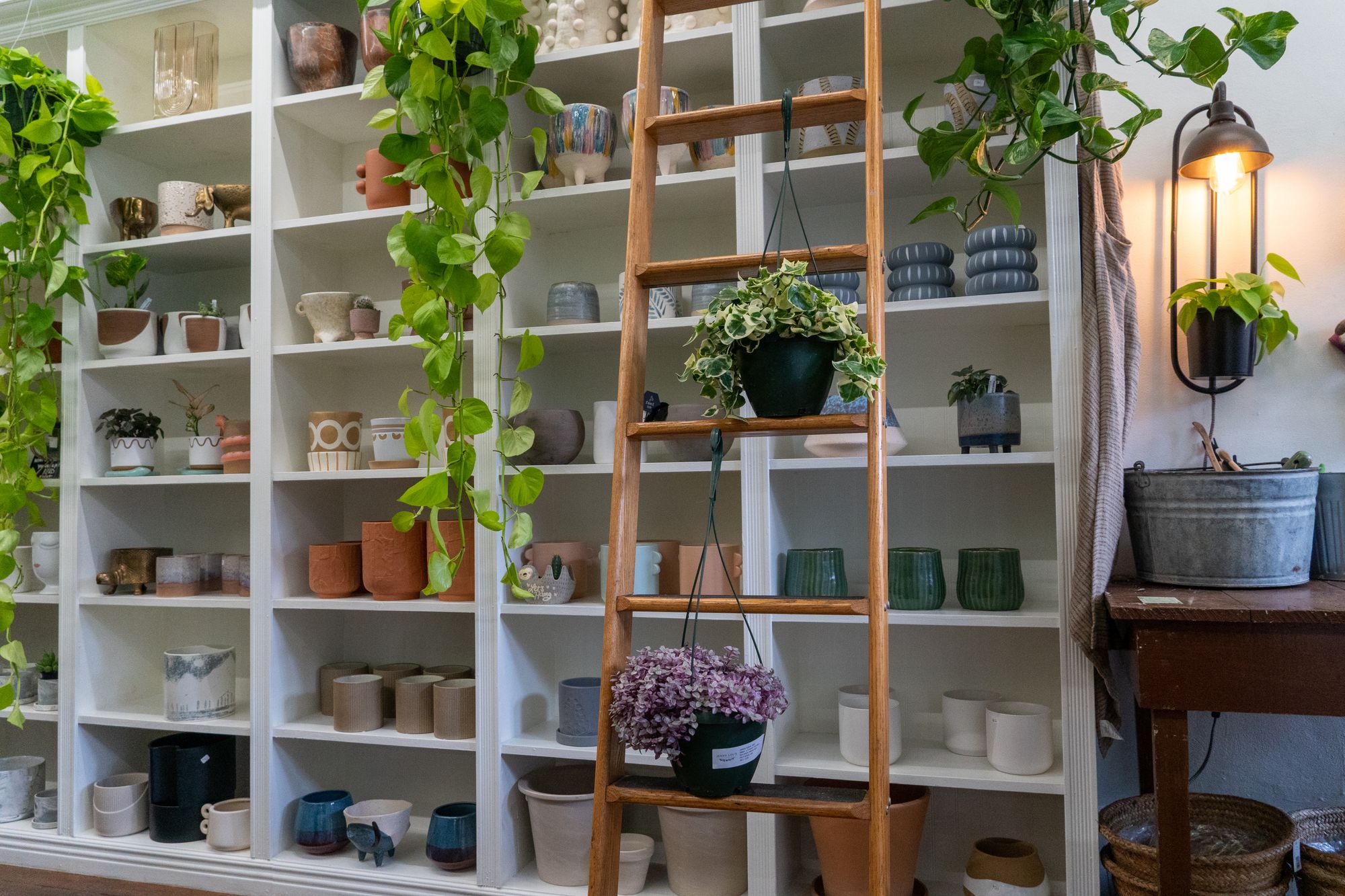

Products · Variants · Collections · Stock · Orders
From product information to a complete order.
A product, its variants and the ordered option stay together. You do not have to piece that information together again.
Start for freeMake the differences between variants clear.
Manage sizes, colours or other options as variants. Add images and descriptions that help customers choose.
Organise your range into collections.
Group products by category, season or product line. Keep a growing range easy for customers to browse.
Stock for each option
Check each variant’s stock before replenishing your range. One available colour does not tell you about the other sizes.
Check ordered products
Open the order and check its products and selected variants. Use that information when picking the order.
Add a new collection
Add products and photos and group them in a collection. Use the same shop that already holds your existing range.
Clear product data makes every next step easier.
How to set it up
Add a product
Enter the name, description, price and images. Give customers the information they need to choose.
Define variants
Create the options you sell and check each variant’s stock. Use clear names for the options.
Create collections
Group related products and view the collection in your shop. Check the product information on mobile too.
Process the order
Open incoming orders, check the lines and update their processing. Keep an eye on stock in your admin.
The selected variant is part of the order.
Your customer selects an option on the product page. The order shows that choice so you can pick the correct product.
Contact us
Build for free. Sell live with Growth.
Build and prepare your shop for free. Choose Growth at €39.95 per shop when you are ready to sell live.
View pricingMicrocart charges no platform transaction fees. Payment providers and external services charge their own fees.
More Microcart features
Frequently asked questions
Can I track stock by variant?
Yes. Manage stock for each product option so you can track sizes and colours separately.
What are collections for?
Collections group products by category, season or product line. Use them to present a related part of your range.
Does the order show the chosen option?
Yes. The order contains the ordered products and variants. Check those lines when picking and processing it.
Can I prepare my range first?
Yes. Build your shop for free and prepare products, variants and collections. Choose Growth when you are ready to sell live.