Key takeaways
- With Google Shopping, your products with image and price appear at the top.
- You need a product feed and a Merchant Center account.
- Good titles, photos and prices determine your results.
- Measure your returns and adjust to profitable products.
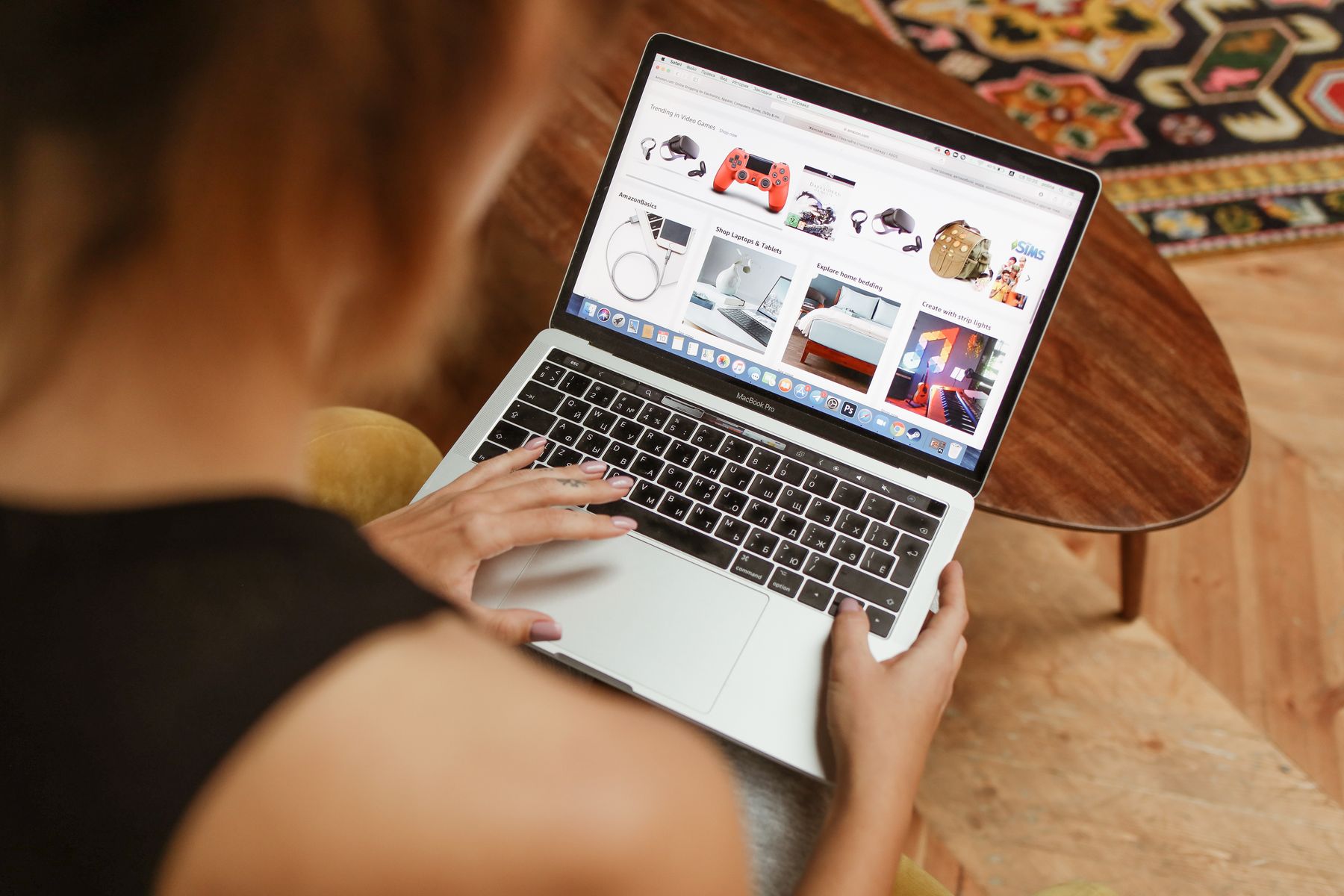
You know them: the rows with product photos, price and store name that appear at the top of Google when you are looking for something to buy. That's Google Shopping, and it's one of the strongest places to be found — because anyone who searches like that wants to buy. It is therefore worth understanding for an online store. This guide explains how it works and how to get started as a starter, without burning through your budget.
What is Google Shopping?
These are the product listings with photo and price that Google shows in purchase-oriented searches. The difference with regular search results: the customer immediately sees the product, the price and who it can be purchased from. As a result, mainly people who really want to buy click - cold viewers are already turned off by the price.
How do you appear in it?
You provide Google with the data about your products — name, photo, price, availability. Google uses this to show your products for suitable searches. You don't have to do this manually: many online shopping platforms automatically send your product data to Google, so that your listings automatically remain up to date if your prices or stock change.
Free listings and paid advertisements
Google Shopping has two forms:
- Free listings — your products can appear without payment. Nicely added; turn it on anyway.
- Paid ads — you pay to appear higher and more often. You determine your own daily budget and pay per click.
Start by turning on the free listings. If you want more, you can test carefully with a small advertising budget.
Good product data is everything
Whether you appear for free or paid, the quality of your product data determines your success.
- a clear title stating what it is (brand, type, color, size);
- a sharp, beautiful photo on a quiet background;
- the right price and availability (must match your site);
- a complete description.
This is exactly the same basis as good product page SEO — order on your product pages pays off twice over here.
Example of a title. Weak: “Backpack”. Strong: “Brown leather backpack – 15 inch laptop compartment – handmade”. The strong title contains the words that buyers search for (material, color, feature), so Google links your product to the right searches and the customer immediately sees whether it is what he is looking for.
Start small with your budget
If you are going to advertise, start with a small daily budget and see what it yields. Calculate honestly whether it can be done:
Calculation example. Suppose a click costs an average of € 0.30 and 1 in 50 clickers buys it. Then 50 clicks (€ 15) will cost you one sale. If you have a margin of €20 per sale, you will earn money from it. If a click costs more, or only 1 in 150 purchases, that same sale could cost you € 45 in advertising — and you'll lose out on it. That is why you measure from day one what a click costs and how many clicks lead to a sale.
Only scale up what makes a profit, and freeze what is making a loss. Include the advertising costs in your total webshop costs and your margin.
This is how you start in 4 steps
- Make sure your product details are correct — clear titles, beautiful photos, correct prices and stock. This is half the battle.
- Connect your products to Google — via your webshop platform (often a ready-made connection) or a free Google account for sellers. Your products will then flow through and automatically remain up to date.
- Turn on the free listings — this way you can appear unpaid, without risk.
- If necessary, test with a small advertising budget — and measure whether it produces a profit before scaling up.
When do you choose free, when paid?
Always start with the free listings — they cost nothing and sometimes generate traffic. Advertising becomes interesting when you want faster results, when a product is selling well and you want to get more out of it, or during a busy season. The rule remains: advertise with products for which you know the margin, start small, and let the figures (cost per click, sales per click) determine whether you continue.
Common mistakes
- Do not enable the free listings.
- Using poor or dark product photos.
- Prices or stock that do not match your site (Google disapproves of this).
- Immediately deploying a large advertising budget without measuring what works.
Frequently asked questions
What is Google Shopping?
The product listings with photo and price that Google shows in purchase-oriented searches. Anyone who searches like this wants to buy — that is why it is valuable for web shops.
Is Google Shopping free?
There are free product listings and paid advertisements. Enable the free listings anyway; advertising is optional and you pay per click.
How do I get into Google Shopping?
By providing your product data to Google. Many webshop platforms forward this automatically, so that your listings remain up to date.
What determines whether my products perform well?
The quality of your product data: a clear title, a nice photo, and a price and stock that match your site.
How much budget do I need to advertise?
Start small with a daily budget and measure what it yields. Only scale on what makes a profit, and include costs in your margin.
Get started
Enable the free Google Shopping listings and make sure your product details are correct: clear titles, beautiful photos, correct prices. If you want more reach, test carefully with a small advertising budget and measure whether it produces a profit. The basis for this is good product page SEO and SEO for your webshop.